
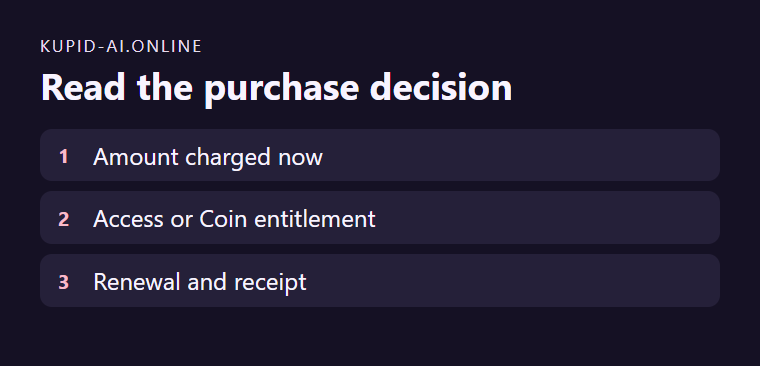
Read the current checkout for the amount charged now, the exact item and any recurring charge. Kupid’s terms discuss paid subscriptions and different ways coins can be credited. The checkout should tell you what this particular transaction covers. Check it while signed into the account where you want to use the entitlement.
Write down the charge in its own line
Consider two fictional checkout cards. One says 15 currency units today for a single balance addition. The other describes 15 units for a period of access and separately mentions an included allowance. The same displayed number can produce different account outcomes. Check the currency and whether the amount is an upfront total or a displayed period equivalent.
Write “purchase type,” “charged today,” and “what I expect to see” in a short note. If the checkout describes renewal, record its date and cadence. If the offer does not show a detail you need, check the official terms or ask support before proceeding.
Match the receipt to the expectations
Keep the actual receipt if you purchase. Check that it agrees with the product name, charged amount and correct account. A note saying “expect access plus listed allotment” gives you a specific way to read the resulting dashboard. For a standalone pack, inspect its stated amount and the corresponding balance record instead.
Keep payment credentials out of this checklist. Record the date and offer condition rather than copying a checkout screen into a shared note. The goal is a transaction you can understand and verify later.